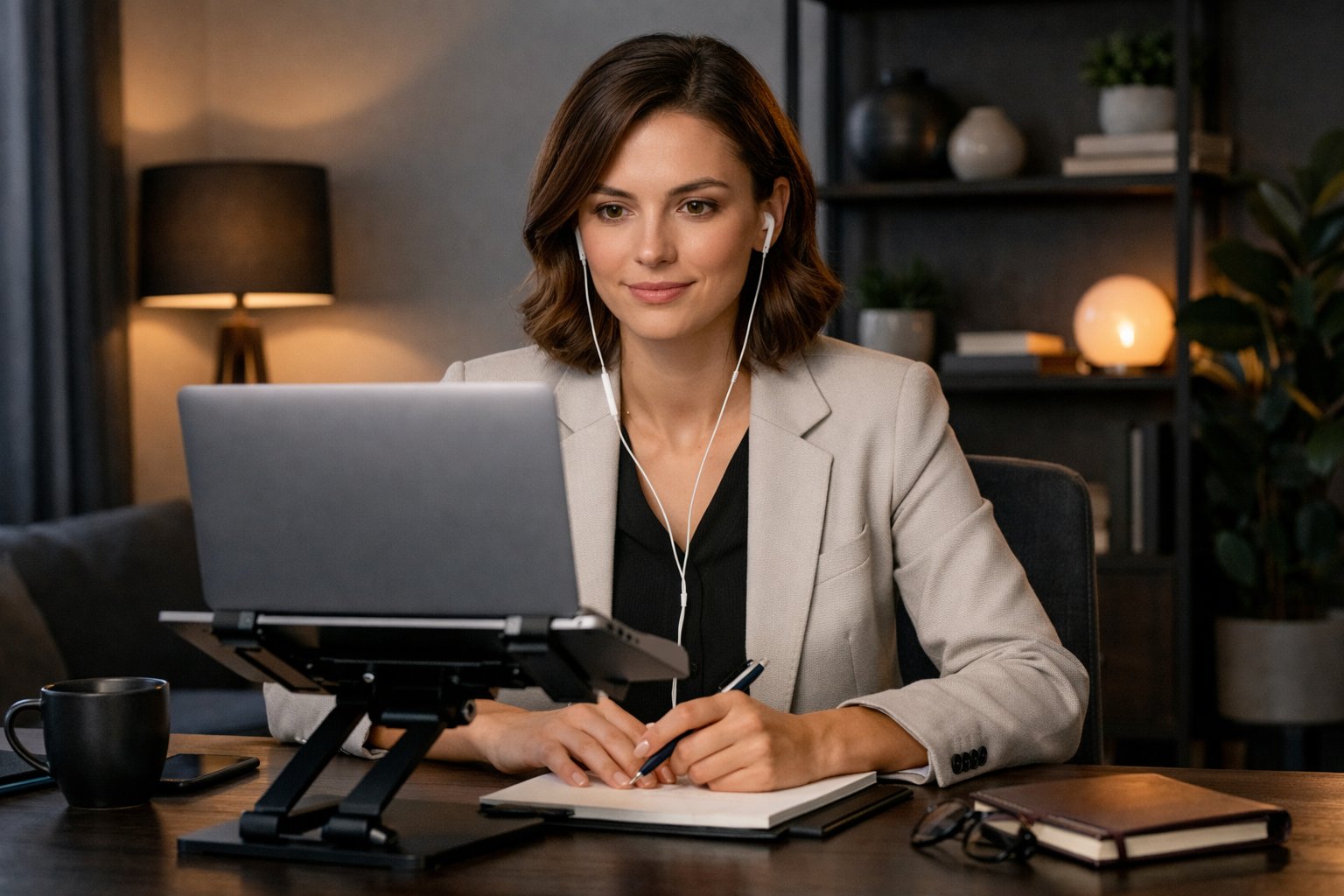
TL;DR
- Make it easy for the interviewer to see, hear, and follow you
- Put your camera at eye level, light your face from the front, and keep your background simple
- Pause before answers, speak a little slower, and look at the camera for key lines
- Keep your upper body visible, structure answers clearly, and rehearse your opening and close
Remote interviews can feel awkward even when you know your material. A few setup and delivery choices can help you feel more in control on screen. You do not need to become more charismatic for video. You just need a setup and rhythm that help your thinking come through clearly.
Set up your frame before you join
Start with the basics:
- Camera at eye level
- Head and upper shoulders visible
- Light in front of you, not behind you
- Clean background with minimal visual noise
- Stable device placement
If you use a laptop, raise it with books or a stand. If your room is dark, place a lamp behind your screen so your face is easier to see. Avoid sitting with a bright window directly behind you.
Also clear your digital space before the call starts. Close extra tabs, mute notifications, and silence your phone. Keep water nearby. Have the meeting link, job description, your resume, and a short note sheet ready.
Keep notes brief. Use prompts instead of full sentences if full notes make you sound like you are reading. A short list of achievements, two or three stories, and a few questions is enough.
Use your voice and eye contact on purpose
Once your setup is handled, focus on your pace.
A simple approach:
- Pause for a beat before answering
- Speak a little slower than your normal conversation pace
- End sentences cleanly
- Use short pauses between points
Eye contact works differently on video than it does in person. A practical approach is to look at the camera when you want a key line to land, then look back at the screen while listening.
Good moments to look at the camera include:
- Your introduction
- The main result in a story
- Your closing statement
- Any sentence about why you want the role
If seeing yourself on screen distracts you, reduce that distraction before the interview starts.
Let your body language read well on camera
Keep your body language visible, calm, and natural.
Try these adjustments:
- Sit with both feet grounded
- Keep your shoulders relaxed
- Lean in slightly when listening
- Nod when it feels natural
- Use hand gestures inside the frame
Avoid typing while someone is talking unless you explain what you are doing. Try not to swivel, fidget, or look off-screen too often.
It also helps to sit far enough back that some of your upper body shows.
You do not need to force a big smile the whole time. A neutral, attentive expression is enough.
You can also record yourself answering, "Tell me about yourself" for about a minute. Watch once with the sound off, then listen once without video. Use that quick review to decide what to tighten.
Show engagement without overdoing it
Because video can feel flat, it can be tempting to add extra energy. Aim for calm over intensity.
Focus on three things:
- Answer the actual question.
- Structure your response clearly.
- Stop when the point is made.
A simple structure is context, action, result. If your stories feel loose, tighten them with Behavioral Answers: How to Tell Clear Interview Stories.
It can also help to connect your answers back to the strengths your resume already emphasizes. If you want to pressure-test that alignment, use this Resume audit checklist.
You do not need to fill every silence. You do not need to give your longest example every time. Keep your answer clear, relevant, and complete.
Good engagement also includes listening well. Let the interviewer finish the question. If something is unclear, ask a short clarifying question.
Rehearse the first two minutes and the close
Use the first two minutes to set a clear tone.
Practice these parts out loud:
- Your greeting
- Your answer to "Tell me about yourself"
- Your short explanation of why this role fits
Keep your introduction simple: where you are now, what you do well, and what kind of role you want next. Aim for a version you can say cleanly without rushing.
A simple structure could be:
- Current role or recent background
- Two strengths tied to the job
- Why you are interested in this next step
Then practice your close. Keep it direct: thank them, restate the kind of problems you solve, and say you are interested in next steps.
It is also worth deciding in advance what you will do if the call drops. Keep your phone nearby and have any contact details handy if you have them.
Finally, do one full practice run in the exact spot where you will interview. Use the same device, check your framing, and make sure your notes are easy to glance at.
Remote interview presence is not about becoming someone else on camera. It is about giving your experience a clearer frame on screen.
If you want to sharpen how your experience comes across before the next interview, Start my resume.
FAQ
Short answers for the next obvious questions
How do I look at the camera without sounding robotic?
Look at the camera for key lines, not every second. Glance back to the screen while listening so the conversation still feels natural.
Can I use notes in a remote interview?
Yes. Keep them short and near the camera. Use keywords, not full sentences.
What if my internet cuts out?
Rejoin, apologize once, and continue. It helps to decide on a backup plan before the interview starts.